
How to Complete Online Check In for Your Disney Cruise
ONLINE CHECK-IN IS SUPER IMPORTANT!
Once check-in is complete, you’ll be able to choose your Port Arrival Time.
The earlier you complete check-in, the better chance you have of grabbing an earlier arrival window. And an earlier window means you can get on the ship sooner, explore before it feels crowded, grab lunch, and actually relax a little before you set sail. You’re also first to guest services or the spa to make any last minute reservations.
WHEN IS YOUR CHECK IN DATE?!
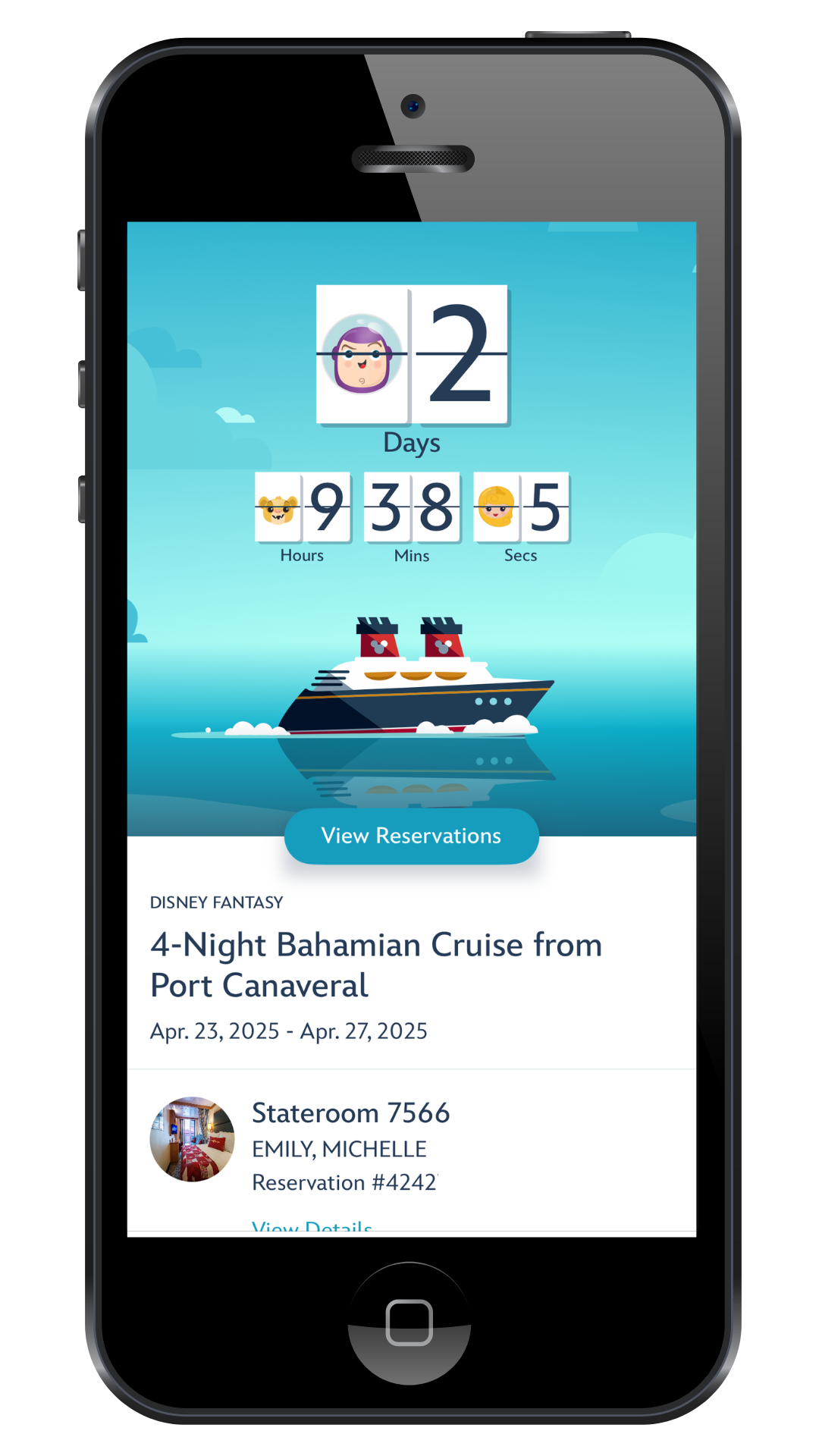
It depends on your Castaway Status. Your confirmation email and your Disney Cruise Line App will tell you when your check in date is.
But if you cant find it, just ask me!
Check-In begins at Midnight ET.
Before you begin, gather the following for each guest in your stateroom:
A passport or a photo of a birth certificate and government issued ID
A recent color headshot from the shoulders up (white background!)
Basic contact information for each guest
Having everything ready ahead of time will save you frustration once check in opens.
Online Check In Steps
Step One - Log in to your Disney Cruise Line account and confirm your reservation is linked correctly.
Step Two - Once your reservation appears, select Online Check In.
Step Three - Inside your reservation, you will see a checklist of required steps. Start by clicking Guest Information.
Step Four - Enter the required information for each guest. This includes addresses, phone numbers, passport details, and uploading both passport photos (Or birth certificates & IDs) and a headshot for every person in your party. Be sure to save and continue after each guest.
Step Five - Set up your onboard account. You will choose who has charging privileges and connect a payment method. Save your selections before moving on.
Next, complete the Traveling with Children section. Here you will indicate who your children are allowed to debark the ship with and complete Youth Club registration for each child.
Step Six - Answer the flight information questions.
Step Seven - Select your port arrival time. I always recommend choosing the earliest available time. This allows you to board sooner, enjoy lunch onboard, and start the fun right away.
Step Eight - Review and agree to the terms and conditions, then complete check in. You will receive a Port Arrival Form with a QR code. Save it to your phone wallet and also print a copy if possible. Technology does not always cooperate on embarkation day.
Important Things to Know
Check in opens at 12:00 AM Eastern Time on your assigned date. The system can be glitchy right when it opens, so if you are comfortable with a later port arrival time, checking in later in the morning often goes more smoothly. Online check in must be completed no later than 72 hours before sailing.
Once your documents are submitted, Disney will review them. About a week before your cruise, you will receive an email letting you know whether everything is approved or if corrections are needed. Even though you upload documents online, you must still bring the physical documents with you to the port.
During this same window, you can also book ticketed onboard experiences such as the Royal Gathering, a popular princess meet and greet. These tickets are extremely limited and go quickly. You can find them in the Cruise Plans section of your account where excursions are booked.